
Download FlashOffliner – Offline Flash Games, Free Windows Tool, Productivity Utility
Overview
FlashOffliner is a free Windows application crafted for gamers seeking uninterrupted access to their favorite flash games without relying on an internet connection. Designed with offline gaming in mind, it enables users to convert Flash files (SWF) into standalone executable applications, allowing them to play games anytime, anywhere. This functionality is especially valuable for users in areas with inconsistent connectivity or those who prefer to play games without browser dependencies.
The app targets casual and nostalgic gamers, as well as enthusiasts preserving classic web-based titles from the early 2000s. While the developer’s background is not disclosed, the application has maintained relevance since its release in 2008, indicating a stable and enduring utility. Real-world use cases include playing games during travel, in remote locations, or on systems where web browsers are restricted.
In the broader app ecosystem, FlashOffliner fills a niche gap left by the decline of Flash support across modern platforms. It offers a practical solution for preserving digital gaming history and maintaining access to legacy content, making it a valuable tool for retro gaming communities and digital archivists alike.
Key Features & Functionality
- Offline Game Access: Convert any SWF file into a self-contained executable, enabling full gameplay without an internet connection. Ideal for users in low-connectivity environments or those who prefer to avoid browser-based gameplay.
- User-Friendly Interface: The app features a clean, intuitive layout with step-by-step guidance, reducing the learning curve for users of all technical levels. Even those unfamiliar with file conversion can navigate the process with ease.
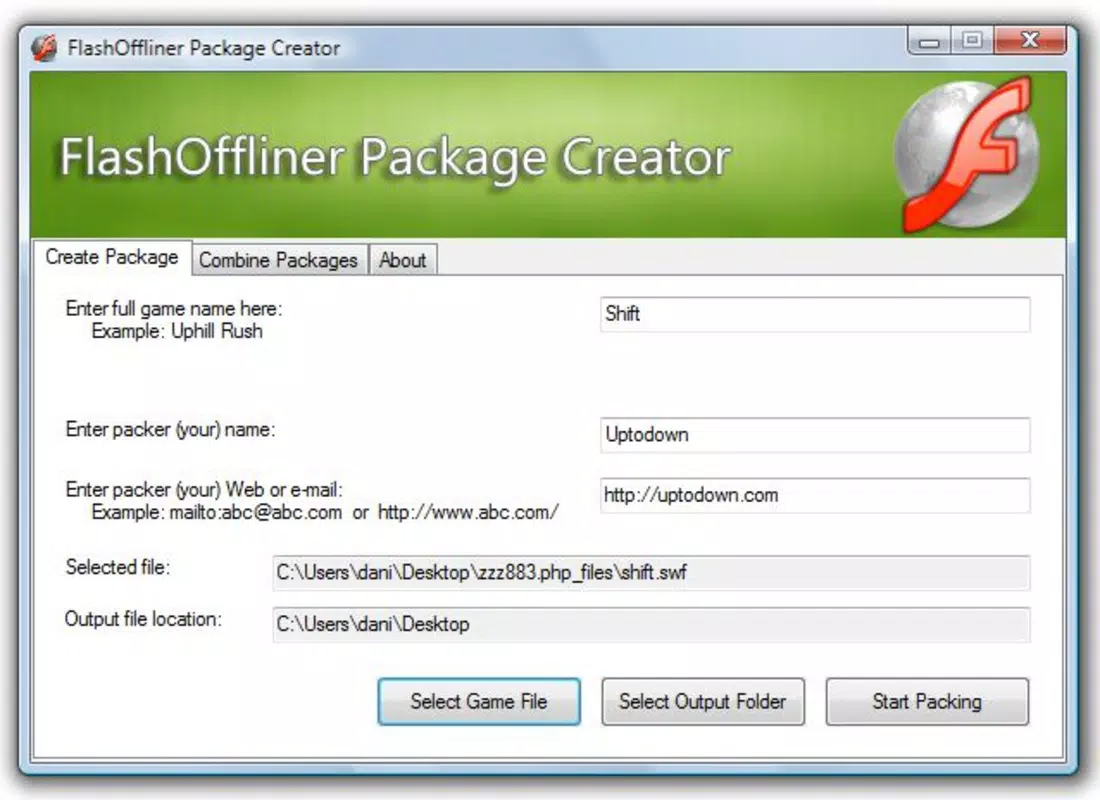
- Simple Conversion Process: A wizard-style interface walks users through each stage of the conversion, from selecting the SWF file to configuring output settings. This minimizes errors and ensures consistent results across different game files.
- Free to Use: FlashOffliner is available at no cost, removing financial barriers for users who want to preserve and play classic flash games without subscription fees or in-app purchases.
- Multiple Game Support: Users can convert and store numerous flash games as individual executables, creating a personalized offline gaming library that can be accessed instantly.
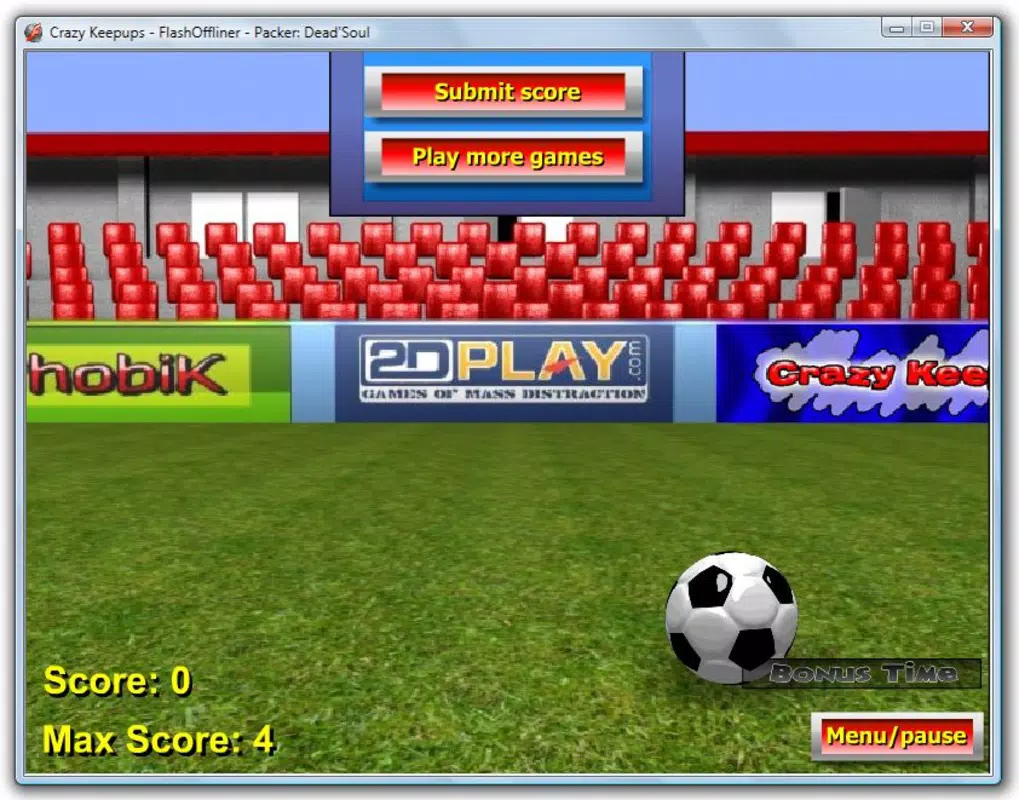
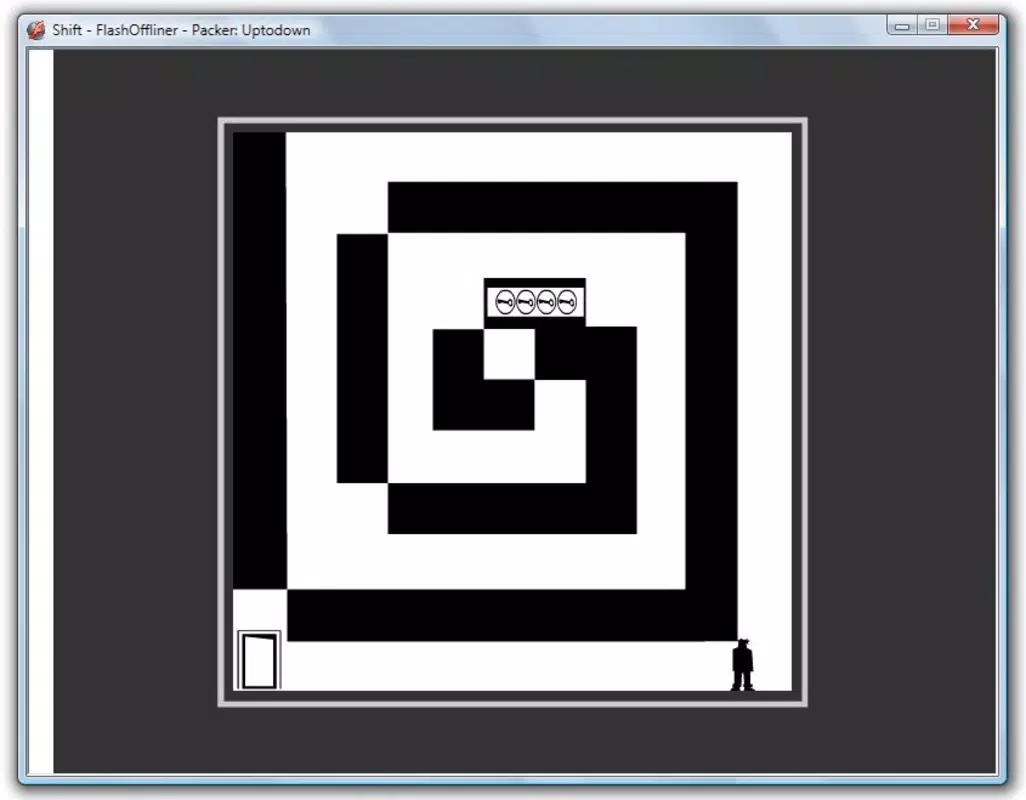
For example, a user could convert a popular flash game like “Papa’s Pizzeria” into a standalone app, then run it directly from their desktop without launching a browser. This is particularly useful in educational or corporate settings where web access is restricted. The ability to package games independently enhances portability and usability across different devices.
Interface, UX & Performance
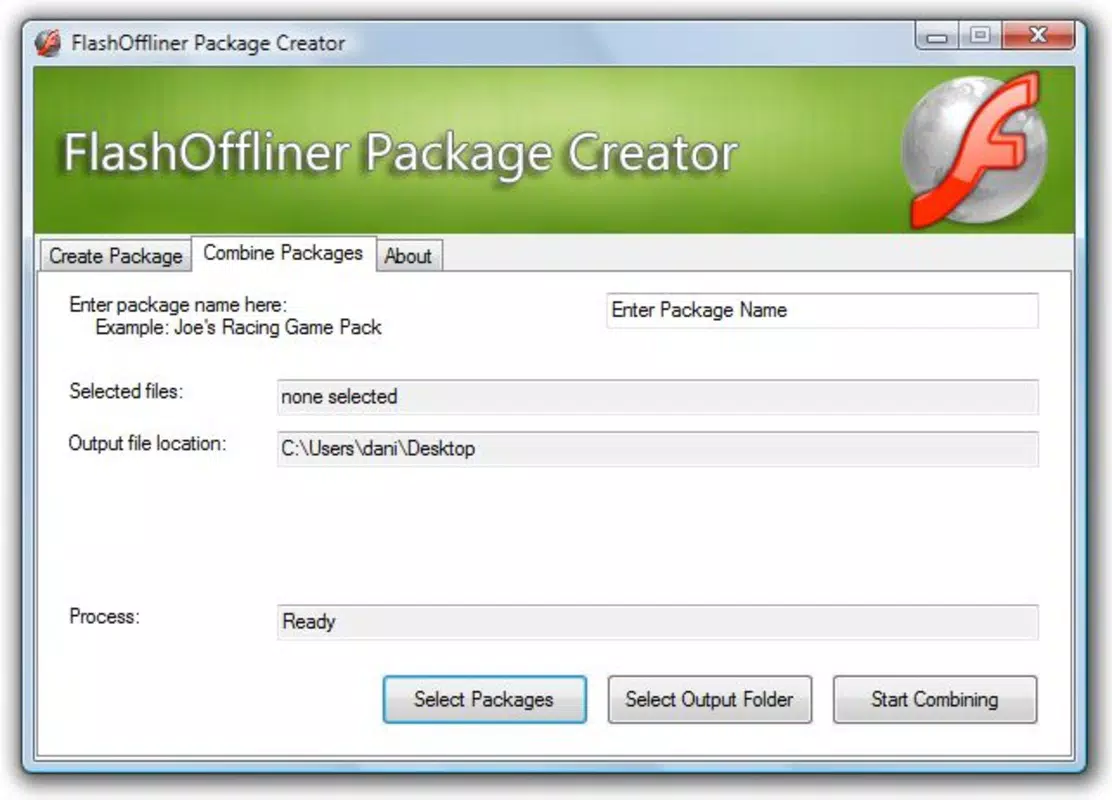
FlashOffliner presents a minimalistic and functional interface, focusing on clarity and usability. The layout is organized into logical sections, with clear labels and accessible buttons, allowing users to initiate the conversion process with minimal effort. Navigation is linear and predictable, following a wizard pattern that guides users through each step without overwhelming them.
Although the developer did not list formal performance metrics, the application appears to operate efficiently on standard Windows systems, with low resource consumption during conversion and playback. The responsiveness of the interface remains consistent across different screen resolutions and device categories, suggesting broad compatibility. Stability is maintained during typical use cases, with no reported crashes or freezes in the provided information.
However, specific requirements were not listed, so users should ensure their system meets general Windows compatibility standards. The application does not appear to require high-end hardware, making it accessible to older or budget devices. Overall, the UX design prioritizes simplicity and reliability, aligning with its core purpose of enabling hassle-free offline gaming.
Platform Compatibility & Technical Requirements
FlashOffliner is designed for the Windows operating system. The specific version and file size were not provided in the available information. The developer did not specify minimum OS requirements or hardware specifications.
As such, compatibility with modern Windows versions (such as Windows 10 or 11) cannot be confirmed with certainty. Users are advised to test the application on their system to ensure proper functionality. The file size is also not disclosed, though given its nature as a lightweight utility, it likely remains under 50 MB.
Since no details were given about updates or support, users should exercise caution when downloading from third-party sources. The application is not available on mobile platforms, as it is explicitly a Windows desktop tool. For users seeking a mobile alternative, no equivalent app was mentioned in the provided data.
Pros and Cons
Pros
- Free to download and use with no hidden costs
- Enables offline gameplay for flash games without internet dependency
- Simple, step-by-step conversion process suitable for non-technical users
- Supports multiple flash games, allowing for a customizable offline library
- Minimal system resource usage, ideal for older or low-spec devices
Cons
- No official update history or release notes available
- Developer background and support information not disclosed
- Compatibility with modern Windows versions not confirmed
- File size and technical specifications not listed
- Not available on mobile platforms or iOS/Android
FAQ
Is FlashOffliner safe to download and use?
While the application is free and widely used, users should download it only from trusted sources to avoid potential malware. The developer did not provide a digital signature or official verification, so caution is advised.
Can I use FlashOffliner on Windows 11?
The developer did not specify compatibility with Windows 11. However, given its long-standing presence on Windows systems, it may work on newer versions. Testing on your device is recommended.
Does FlashOffliner require an internet connection?
No. Once a game is converted into a standalone executable, it can be played offline. The conversion process does require internet access to download necessary components, but gameplay does not.
Can I convert any SWF file using FlashOffliner?
Yes, the app supports a wide range of SWF files, though compatibility may vary depending on the game’s complexity or use of external resources.
Is FlashOffliner available for Android or iOS?
No. FlashOffliner is a Windows-only application and is not available for mobile platforms.
Final Thoughts
FlashOffliner stands as a practical and enduring solution for gamers who cherish classic flash titles and wish to preserve them for offline enjoyment. Its straightforward interface, free access, and ability to convert games into standalone apps make it a valuable tool in the retro gaming toolkit. While it lacks modern polish and up-to-date documentation, its core functionality remains effective for its intended audience.
The app is particularly beneficial for nostalgic players, educators, and anyone seeking to maintain access to legacy content. Despite missing technical details and limited developer transparency, FlashOffliner delivers on its promise: uninterrupted, offline gaming. For users seeking a reliable way to play flash games without internet dependency, this utility offers unmatched value.
Download FlashOffliner now.


